Which audio formats can I upload?
You can upload MP3, WAV, and M4A files up to 20 MB.
 KlangKI
Upload your own audio or choose a track created with KlangKI. Get separate vocal and instrumental tracks ready to preview and download.
Choose your music
Upload an audio file or choose one of your KlangKI tracks.
Separated tracks
Play the original example and compare its separated tracks.
Original
ExampleVocals
ExampleInstrumental
ExampleKlangKI separates your mix into vocals and an instrumental. Preview and reuse each result independently.
AI analyzes the complete mix and creates two standalone audio tracks: one for the voice and one for the instrumental backing.
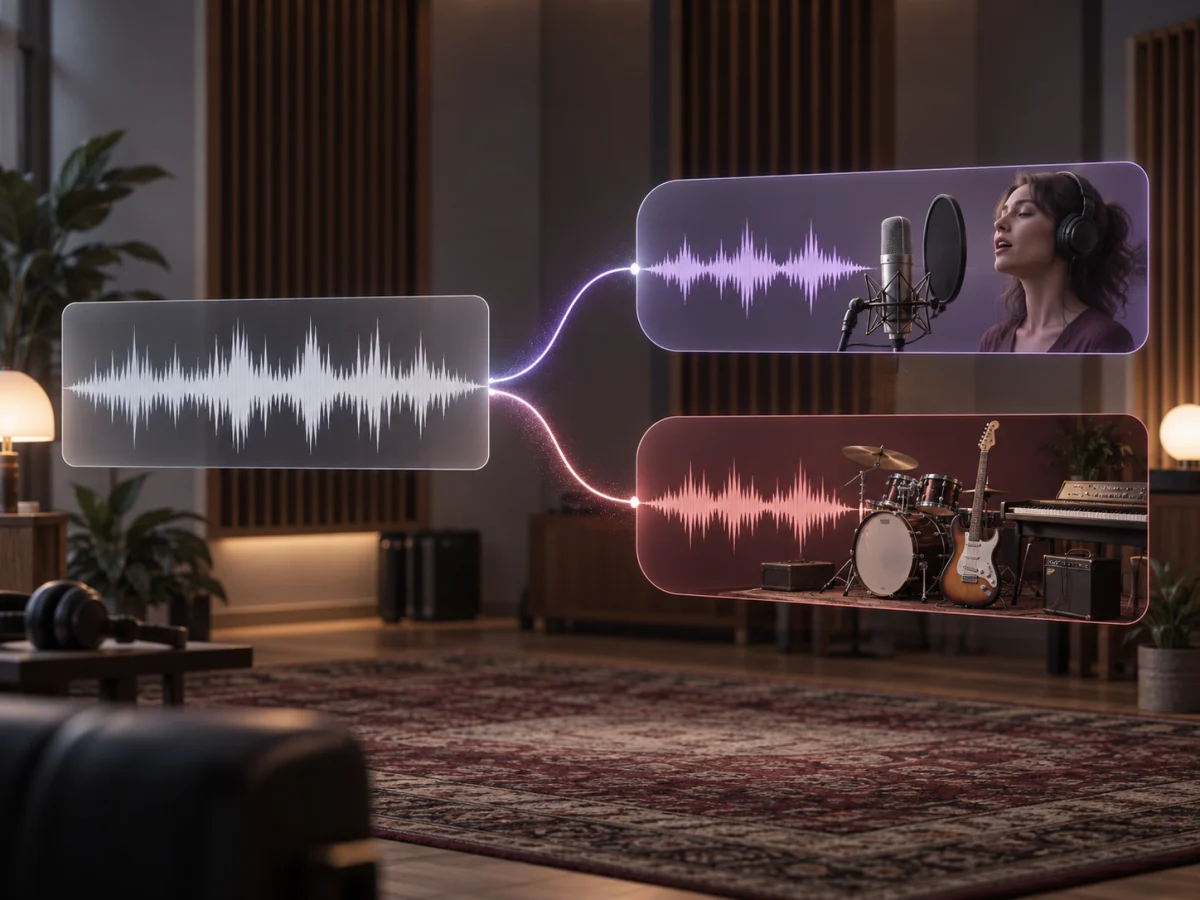
Remove the original vocal and use the remaining backing track to practice, sing along, or record your own cover.
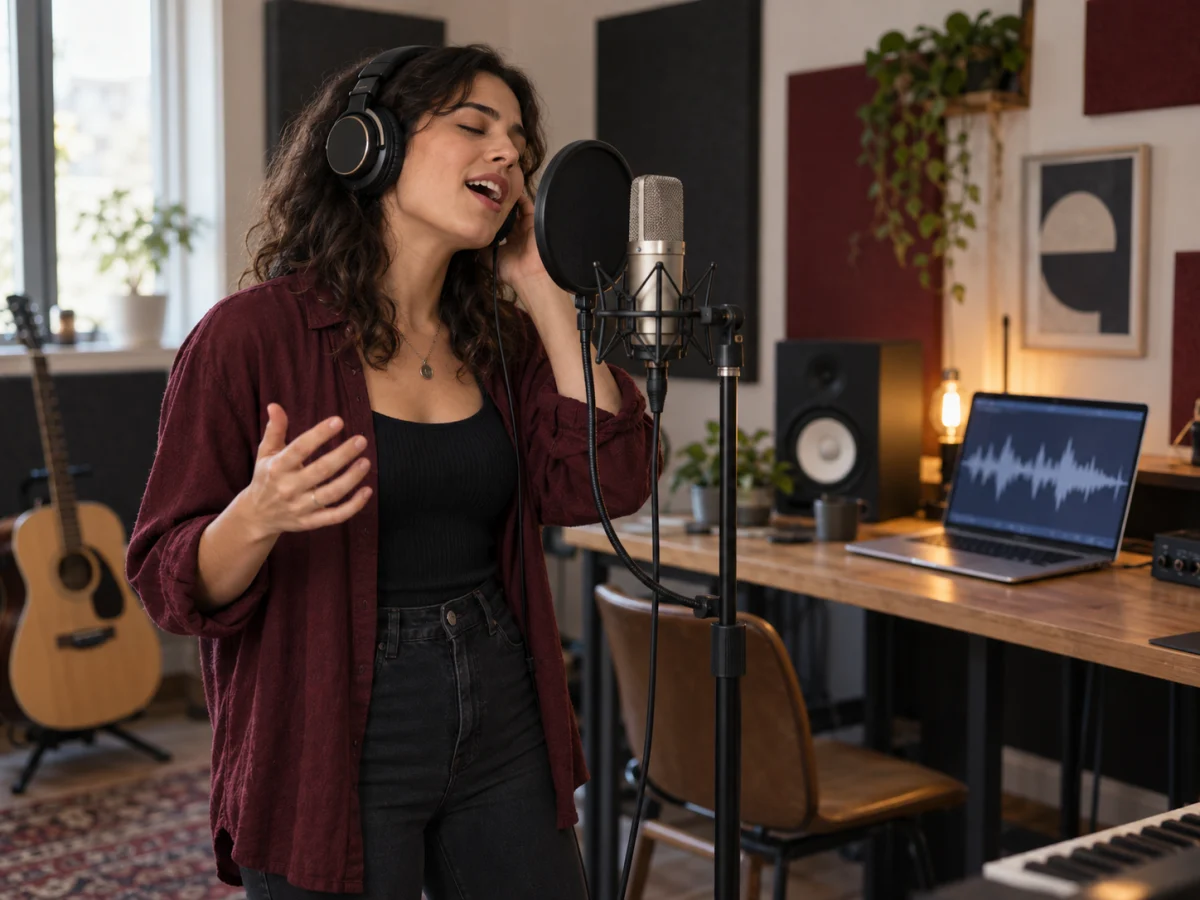
Preview or download the isolated vocal for use in your own arrangement, remix, or production draft.
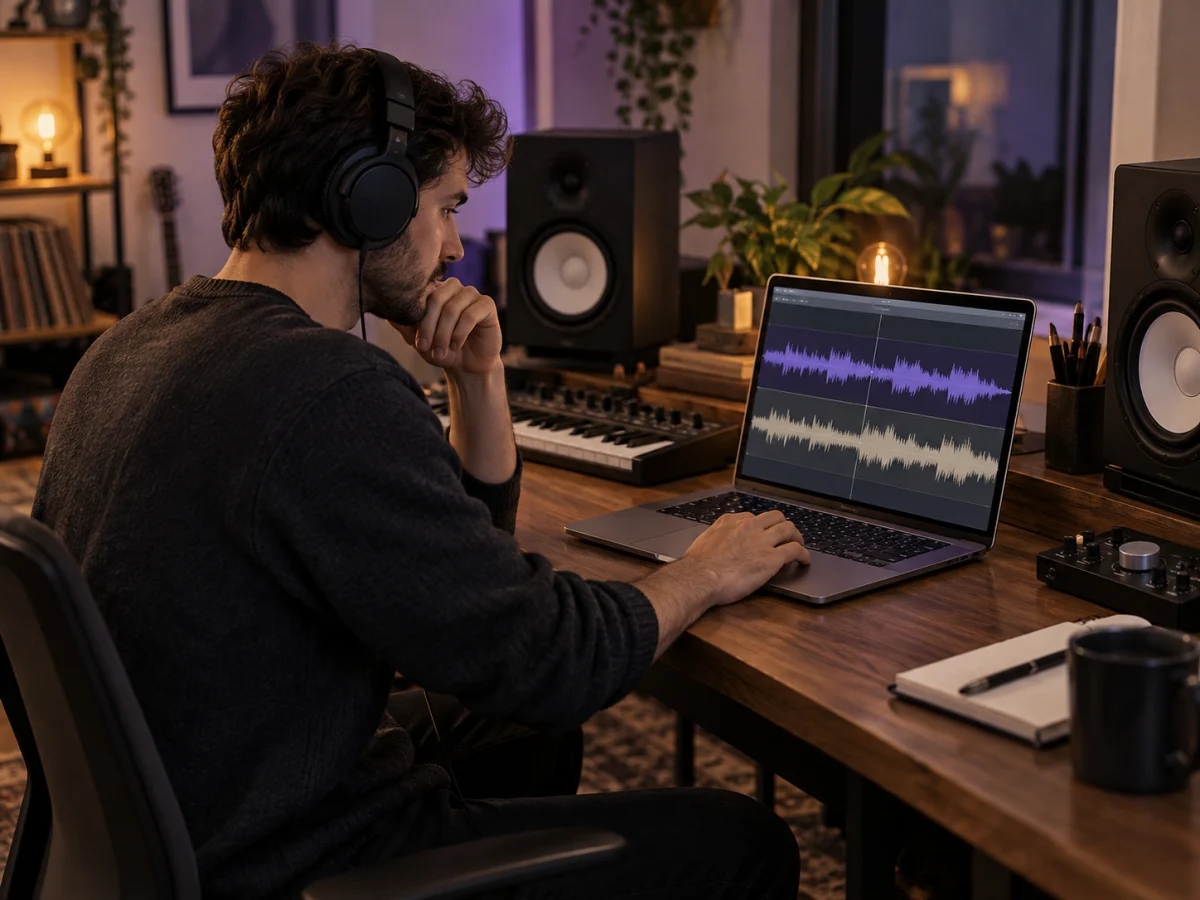
Turn a finished song into two separate tracks without installing music software or editing audio manually.
Upload an MP3, WAV, or M4A file, or select a track from your KlangKI music library.
Start the AI process. Progress stays visible while vocals and instrumentals are separated.
Compare the original, vocals, and instrumental, then download either MP3 track separately.
Use separate tracks for singing, learning, production, or new creative edits.
Turn an existing song into an instrumental version you can sing over.
Use the backing track as the foundation for your own vocal recording or rehearsal.
Isolate vocals as source material for a new arrangement or remix.
Hear vocals and backing separately to study melody, phrasing, and arrangement.
Prepare separate audio tracks for videos, podcasts, and other creative projects.
Study the vocal independently from the backing and hear details hidden in the mix.
The complete workflow runs online, taking your audio file directly to playable, separate results.
Process MP3, WAV, and M4A files up to 20 MB.
Alternatively, choose music directly from your existing KlangKI library.
Listen to the original, vocals, and instrumental on the same page.
Download vocals and instrumentals independently as MP3 files.
You do not need a DAW or complicated audio settings.
See progress and errors clearly; eligible failed tasks receive an automatic credit refund.
Answers about files, results, quality, credits, and using your separated tracks.
You can upload MP3, WAV, and M4A files up to 20 MB.
KlangKI creates two tracks: vocals and an instrumental. Separation into drums, bass, or other individual instruments is not currently included.
Yes. After separation succeeds, download the instrumental as an MP3 independently from the vocal track.
Yes. You can preview the isolated vocal separately and download it as its own MP3 file.
Processing runs as a background task. Timing depends on the file and current demand, and the page keeps the current status visible.
Quality depends on the source mix. Reverb, heavy effects, or closely overlapping frequencies can leave audible artifacts in some passages.
The task shows a clear failure status. When the failure is eligible, the deducted credits are refunded automatically.
Only upload audio you are allowed to process. You are responsible for the rights required to use or publish separated tracks.
Upload your song and get vocals and instrumental as separate, playable MP3 tracks.